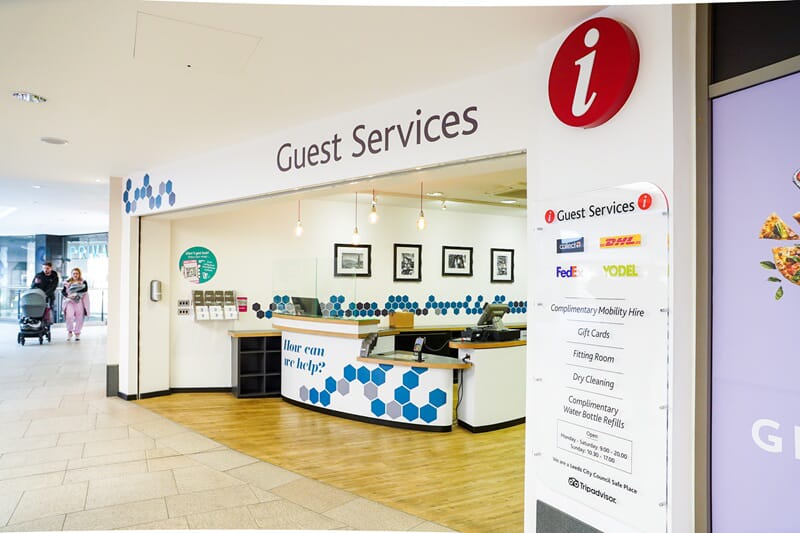
A visitor with low vision, a wheelchair user arriving for the first time, someone who's never been to your building before: they all need to be able to find their way around without asking for help. Your signs need to work well for everyone who uses them, and that’s what accessible signage is for.
At FASTSIGNS Leeds, we've worked with schools, offices, healthcare environments and multi-tenant buildings across West Yorkshire for over 30 years. This guide covers what accessible signage actually involved, the UK standards to know about and the mistakes we see most often – so you can audit your own site as a starting point.
What does "accessible signage" actually mean?
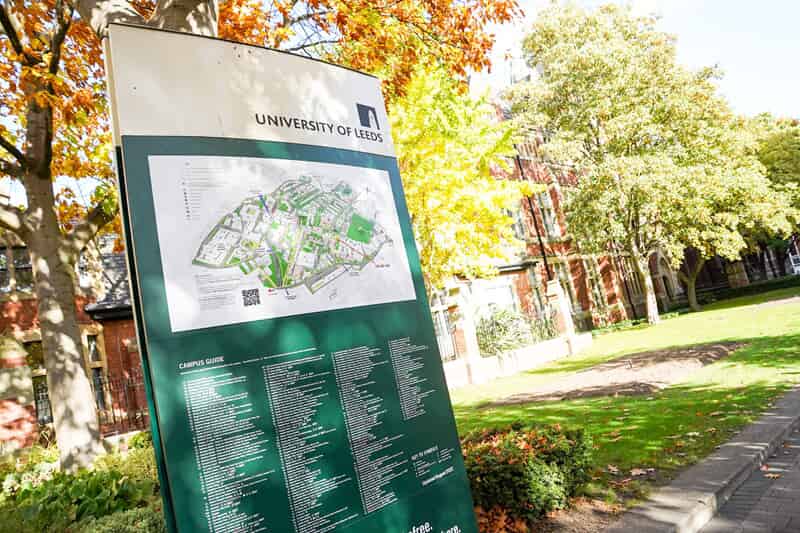
Accessible signage means that anyone in your building, regardless of ability, familiarity with the site or how they process information, can find where they need to go and get there safely.
That includes:
- A wheelchair user being able to find the accessible entrance easily
- A person with low vision reading room signs from a reasonable distance
- A deaf visitor who might not be able to rely on verbal directions from staff
- A visitor with cognitive difficulties who needs signs that are clear, consistent and in the same place every time
The UK standards and guidance to know about
While we’re not here for legal advice, this is a simple run rundown of what you need to know if you’re responsible for a building.
The Equality Act 2010
The Equality Act means service providers and employers must make reasonable adjustments for disabled people. Signage that prevents someone from independently navigating your building is a failure of that duty.
GOV.UK – Equality Act 2010 guidance
Approved Document M (Building Regulations)
Part M of the Building Regulations covers access to and use of buildings. It references signage and wayfinding in the context of accessible routes, and for detailed design guidance it points directly to BS 8300.
BS 8300
BS 8300 is the British Standard for the design of an accessible and inclusive built environment. It's widely used by architects, estates teams and facilities managers. It covers contrast, typeface, positioning height, tactile signage, Braille and more. If someone asks how your signs were specified, BS 8300 should be your answer.
Quick audit: 10 things to check on your site this week
Walk your building with this list. You don't need a specialist for a first pass check – you just need to walk the route as a first-time visitor would.
# | What to check | What to look for |
|---|---|---|
1. | Sign placement is consistent | Signs at the same height throughout, not hidden behind open doors or notice boards |
2. | Signs at every decision point | Junctions, lift lobbies, entrances and reception all have clear directional signage |
3. | Messages are short and consistent | No sign doing too much work; terminology the same throughout (pick "toilets" or "WC", not both) |
4. | Contrast is adequate | Strong contrast between text and background, and between sign and the wall behind it |
5. | Finishes are non-glare | Glossy signs under bright lighting can create glare that makes text unreadable |
6. | Typeface is readable | Sans-serif font, mixed case, not condensed or italic, sized for the viewing distance |
7. | Pictograms are standard | Universally understood symbols used consistently, not bespoke icons that need decoding |
8. | Accessible routes are signed from outside | Someone arriving at the car park or site boundary can find the accessible entrance without asking |
9. | Tactile and Braille in place where needed | Lifts, accessible toilets and key decision points, consistently positioned |
10. | Walk the route | Get 2 or 3 people who don't know the building to navigate it. Whatever trips them up, fix it. |
Design basics that make signs easier for everyone
Contrast and lighting
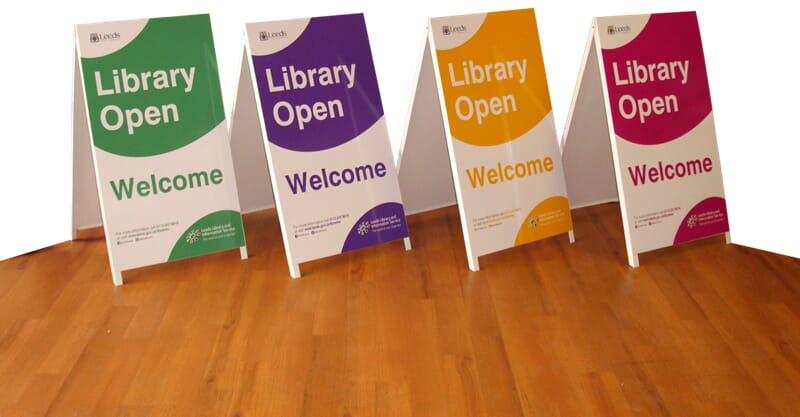
Approved Document M says your signs must stand out in two distinct ways. First, the text needs to stand out against the sign’s background colour. Second, the entire sign needs to contrast clearly against the wall it's mounted on. To stay compliant, experts use Light Reflectance Values (LRV) to measure brightness, aiming for a gap of at least 30 points between the surfaces.
Lighting matters too. A well-designed sign in poor lighting fails. A glossy laminate under a downlight creates glare that wipes out legibility. Matte finishes perform better in most real-world installations.
Typeface and sizing
Sans-serif fonts (Arial, Helvetica and similar) are easier to read at distance and for people with visual impairments. Mixed case is more legible than all caps. Avoid condensed weights, light weights and italics on wayfinding signs.
Size depends on viewing distance. A room door sign reads differently to a hanging sign in a large atrium. Think about who's reading it and from where.
Simple language
Use the clearest word, not the most formal one. "Accessible toilet" beats "facilities for guests with mobility requirements". If there's a shorter word, use it.
Consistent naming
Pick your terminology and stick to it. If the main corridor sign says "Meeting Rooms", the arrow halfway down should say "Meeting Rooms" too – not "Conference Suites". Every inconsistency forces your visitors to make a judgement call, which can trip people up.
Colour alone isn't enough
Colour can do a lot to support wayfinding – zone colour-coding works well in large buildings. But people with colour blindness or anyone moving quickly might miss a colour cue they're not actively looking for. Combine colour with symbols and text.
Where accessible signage is most often missed
Accessible toilets and changing places
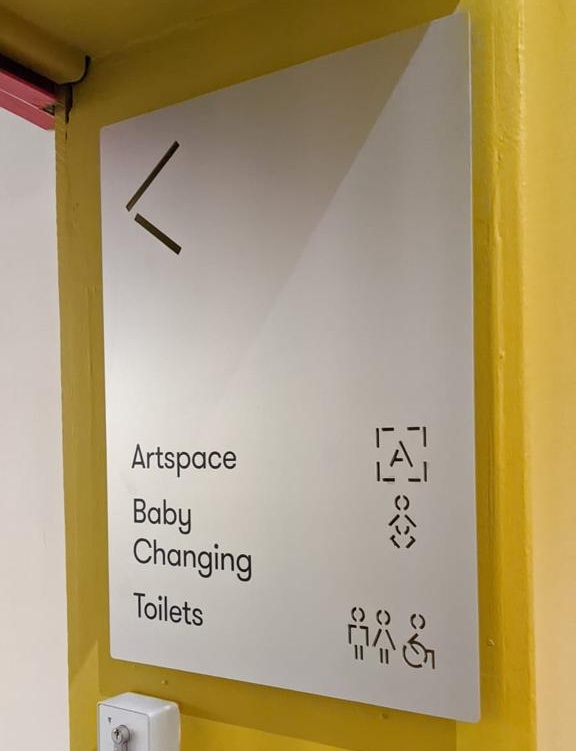
The accessible toilet sign is often the only disability-related sign in a building, and it's often wrong: too small, poorly positioned or inconsistent with the rest of the signs. If you have a Changing Places facility, its signage needs to be visible from the main wayfinding route.
Refuge points and evacuation signage
Refuge points are where people who can't use the stairs wait for evacuation assistance. They need clear, consistent signage. They’re often one of the most commonly overlooked parts of a building's wayfinding system and they're an important safety requirement.
Reception and building directories
The main reception board needs to do a lot of work, and often its overcrowded, inconsistently formatted or using fonts too small to read from the desk. A clear, up-to-date directory with good contrast and a simple layout helps everyone, particularly visitors with sight loss or cognitive difficulties.
Car parks, drop-off points and accessible entrances
Someone arriving by car or taxi who uses a wheelchair should be able to find where they're going before they've got out of the vehicle. Make sure accessible entrance signs are visible from the road, the car park or the drop-off point.
Multi-tenant buildings
Office buildings and shared sites with multiple occupiers often have no consistent signage system. Each tenant has done their own thing. It means a patchwork of styles, terminology and positioning that no one is responsible for and no one can navigate reliably. A building-wide wayfinding audit and a consistent directory system fixes this.
Common mistakes (and quick fixes)
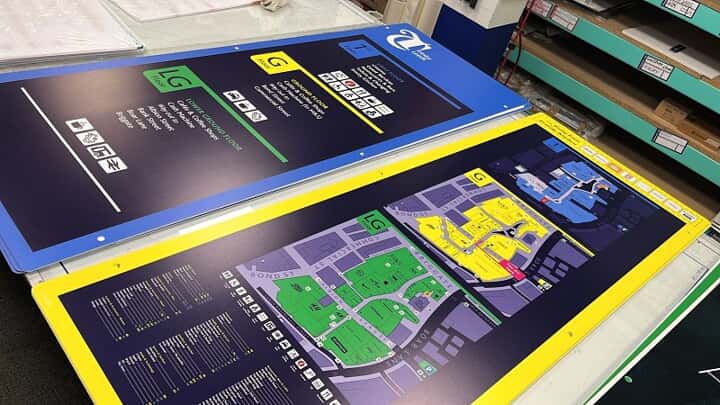
- Too many messages on one sign. Every extra line of text reduces readability. If a sign is doing three jobs, it's probably doing all three badly. Split the information across multiple signs at the right points.
- Glossy finishes and glare. A sign that looks great in the workshop can become unreadable under fluorescent lighting in a corridor. Specify matte or anti-glare laminates for interior wayfinding, especially in artificially lit spaces.
- Inconsistent positioning. Signs at eye height near one lift lobby, waist height near another, missing entirely at the third. People rely on consistent positioning – particularly those with sight loss – so this can be disorienting. Pick a height and use it throughout.
- Poster clutter. Promotional posters and notices stuck to walls and doors can get in the way of directional signs. If the "fire exit this way" arrow is hidden behind a poster about the staff Christmas party, that's a problem. Keep wayfinding clear of anything temporary.
When to get professional help, and what FASTSIGNS Leeds can do
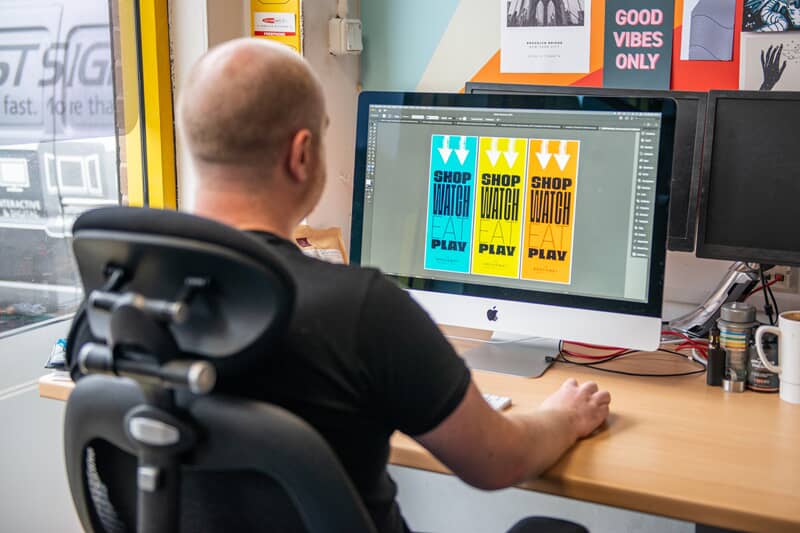
A lot of issues can be spotted quickly with a walk-round and a list. But if your building has never had a proper wayfinding audit, if you're dealing with a complex multi-floor site or if you need to bring things up to standard quickly, it's worth talking to someone with experience.
At FASTSIGNS Leeds, we handle the whole job:
Site survey and wayfinding recommendations – we walk the building with you and make practical recommendations before anything is produced
Design – we produce consistent, BS 8300-informed sign designs that work with your brand and your building
Manufacture – we can produce a wide range of signs at our Leeds facility
Installation – our team works around live sites; schools, offices and occupied buildings without disrupting the day
Fast turnaround – if you have a compliance deadline or an upcoming inspection, tell us. We'll work to it.
We've refreshed school corridor wayfinding systems, redesigned office building directories, added accessible toilet and refuge point signage to multi-floor offices and supported construction-phase accessible signage for live sites across West Yorkshire.
Talk to our Leeds team for a free site survey and quote.
Frequently asked questions
Do you need Braille on signs in the UK?
There's no blanket legal requirement to fit Braille on all signs. BS 8300 recommends tactile and Braille signage at key locations (like lifts and accessible toilets), especially in public buildings. If your building is used by the public or has employees with visual impairments, key wayfinding signs should have it.
What is BS 8300 and why does it matter for signage?
BS 8300 is the British Standard for inclusive building design. Approved Document M references it directly. It's the recognised reference for accessible signage in the UK, and if you're specifying, reviewing or auditing signs, it's where you go for the detail.
Where should accessible signs be placed?
At every point where someone has to make a decision: building entrances, reception, lift lobbies, corridor junctions, accessible toilet locations, refuge points and exit routes. Signs should also be in place before people reach the building – at the car park, drop-off point and site entrance – so that someone arriving for the first time can find where they're going.
Do you need accessible signs for your site? We can help. Our signage experts carry out site surveys to assess your space and help you find the best solution for the job. Talk to us today to get started.


